
Written by: The Editorial Team
Published: 21 Sep 2026
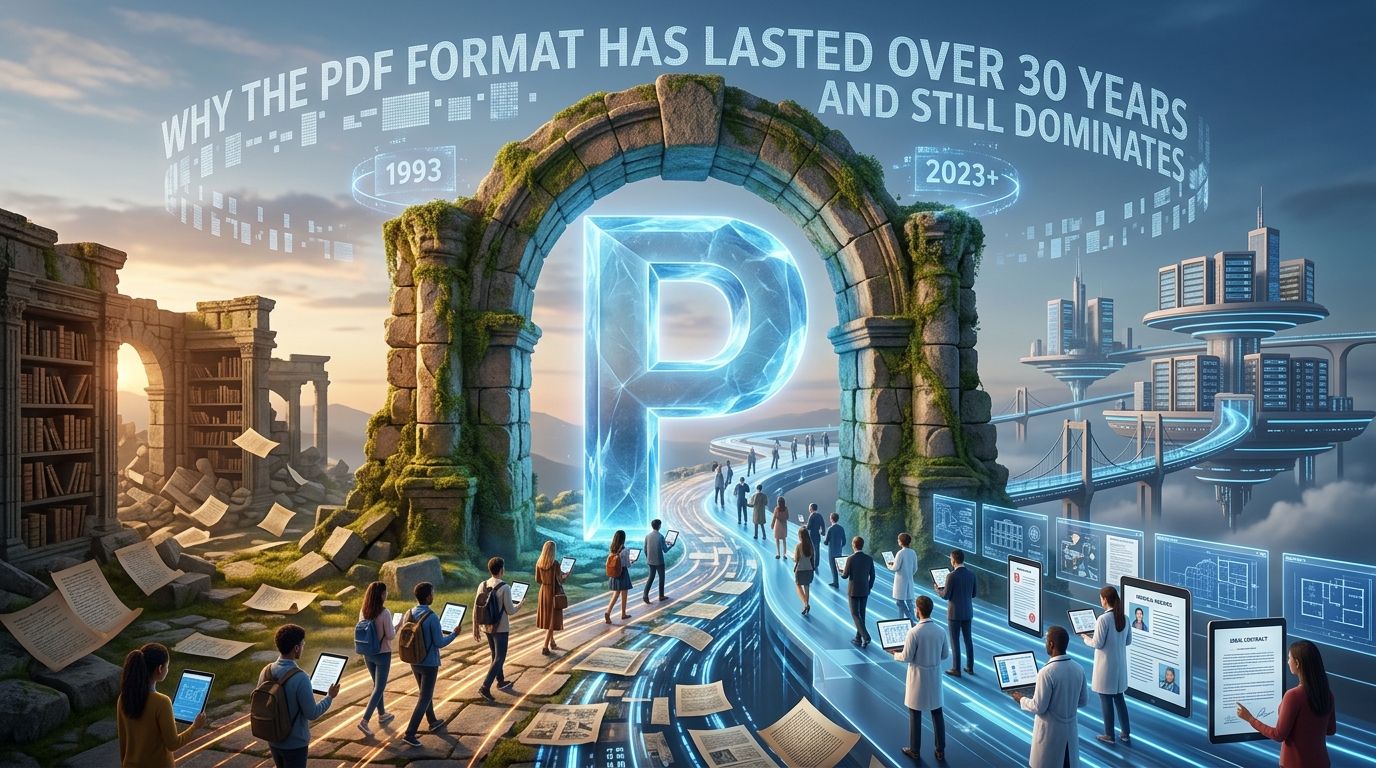
Most people treat a PDF the way they treat electricity. They use it every day without thinking much about where it came from or why it works the way it does. But the story behind the Portable Document Format is genuinely surprising, full of corporate gambles, government mandates, and a slow-burning identity crisis that the format somehow survived. Thirty-plus years in, PDF is not just alive. It is more embedded in daily life than at any point in its history.
Key Takeaway: PDF has outlasted dozens of competing formats by becoming a universal standard, not just a proprietary file type.
- Adobe introduced PDF in 1993 as a fix for the "what you see" problem, where documents looked different on every machine.
- ISO took control of the standard in 2008, removing it from any single company's hands and locking in its long-term future.
- Modern tools have quietly dismantled PDF's old "read-only" reputation, making files far more flexible than most users realize.
A Format Born Out of Frustration
It is 1991, and Adobe co-founder John Warnock is tired of watching documents break. Fonts shift. Layouts collapse. A memo that looks perfect on a Sun workstation turns into garbage on a DOS machine. Warnock writes an internal paper called "The Camelot Project," arguing that what the world needs is a way to capture any document, from any application, on any computer, and display it identically anywhere else.
That idea became PDF, and Adobe released version 1.0 in 1993. The format was not an overnight sensation. Early adoption was slow because reading a PDF required Adobe Acrobat Reader, which cost money in the early days. Adobe eventually made the reader free, and things accelerated from there. By the late 1990s, government agencies, legal firms, and publishers had started treating PDF as the default for any document that needed to look exactly the same on every screen and every printer.
The history of the PDF format shows how rarely a proprietary format successfully becomes a universal standard, which is exactly what makes its trajectory so unusual.
The Five Milestones That Shaped PDF
To understand why PDF lasted, it helps to trace the moments that actually mattered.
- 1993, the first release. Adobe ships PDF 1.0 alongside Acrobat. The format supports text, vector graphics, and basic images. Nobody outside the publishing world pays much attention yet.
- 1994, free reader. Adobe makes Acrobat Reader free to download. This single decision changes the adoption curve completely.
- 2000s, government mandates. The U.S. federal government, along with agencies in the EU and elsewhere, begins requiring PDF for official filings. Overnight, millions of people who had never used the format are forced to learn it.
- 2008, ISO 32000-1. Adobe hands the format specification to the International Organization for Standardization. PDF becomes an open standard. No single company owns it anymore.
- 2017 and beyond, PDF/A and accessibility. Archival and accessibility sub-standards gain traction. Courts, hospitals, and universities start mandating specific PDF variants to ensure long-term readability.
Each step reinforced the one before it. By the time competitors like Microsoft's XPS format or various XML-based rivals tried to chip away at PDF's dominance, the format was already too entrenched to dislodge.
The Email Era and the File-Size Problem
Here is a piece of PDF history that most casual users miss entirely. Early PDFs were enormous by the standards of the time. A single document with embedded fonts and high-resolution images could easily run to several megabytes, and in an era when email attachments were measured in kilobytes and dial-up connections were still common, that was a serious problem.
Adobe added compression tools to Acrobat, but the software was expensive. For years, sending a PDF to someone often meant waiting minutes for an upload, then hoping the recipient's mail server would not reject it for exceeding the attachment limit. Organizations with large document libraries spent real money on storage just to keep their PDF archives.
That problem never fully went away. Anyone who regularly works with scanned contracts, brochures, or presentation decks knows the pain of a bloated file. The practical answer today is to compress PDF files before sending, reducing file sizes significantly without visible quality loss. What once required expensive desktop software is now a browser-based task that takes seconds.
The ISO Handoff and What It Actually Meant
When Adobe transferred control of the PDF specification to ISO in 2008, most users did not notice. But inside the technology industry, it was a significant event. A format controlled by a single corporation can change without warning, can be deprecated, or can have licensing terms altered in ways that affect developers and users alike. A format governed by an international standards body operates under different rules entirely.
ISO 32000-1 codified what PDF was at that moment and created a framework for future updates that required broad consensus rather than a single company's decision. This gave governments and large institutions the confidence they needed to commit to PDF for long-term archiving. The ISO 32000 standard underpins every modern PDF you open, though almost nobody who opens a PDF thinks about that.
The standardization also encouraged a wave of independent software development. Once the spec was open and free, smaller developers could build PDF tools without paying Adobe licensing fees. This is part of why the ecosystem around PDF exploded in the 2010s.
Eroding the "Read-Only" Reputation
For most of its early life, PDF had a reputation as a format you could read but not touch. That was partly intentional. Publishers and government agencies used PDF specifically because they did not want recipients to modify the content. A signed contract in PDF is harder to tamper with than a Word document.
But the "read-only" label stuck even when it was not accurate, and it frustrated a lot of users who received PDFs and genuinely needed to work with the text inside them. The workaround for years was to manually retype content from a PDF into a word processor, which was tedious and error-prone.
That friction has largely disappeared. Converting a document to PDF to Word format is now a routine task that preserves formatting surprisingly well, making it possible to grab usable text, tables, and layouts from files that used to feel locked forever. The shift matters because it changed how professionals think about PDF. It is no longer just a publishing endpoint. It is part of a broader document workflow that moves in both directions.
Remote Work and the Consolidation Problem
The shift to remote work in the early 2020s surfaced a problem that had always existed but suddenly became acute. Teams assembling reports, proposals, or presentations were generating separate documents on separate machines, then emailing them back and forth trying to create a coherent final package. The result was often a chain of attachments with names like "report-final-v3-ACTUALLY-FINAL.pdf."
The practical fix was straightforward: merge PDF files into a single document before submission. Instead of sending a client five separate attachments, a team could deliver one clean file with consistent pagination, a unified table of contents, and a professional appearance. This is not a new capability, but remote work made it a daily necessity rather than an occasional convenience, and it accelerated adoption of browser-based tools that do not require installed software.
What PDF Looks Like on the Modern Web
Today's PDF experience is almost unrecognizable compared to 1993. Browsers open PDFs natively without plugins. Mobile devices render them smoothly. Cloud storage services index and search the text inside them. AI tools can summarize, translate, and extract data from PDF content automatically.
The format has also branched into specialized sub-standards. PDF/A is designed for long-term archiving, guaranteeing that a file will be readable decades from now without depending on external fonts or links. PDF/X targets professional printing. PDF/UA focuses on accessibility, making content usable by screen readers and assistive technologies.
Each sub-standard extends PDF's reach into a new context rather than replacing the core format. That flexibility is part of why no rival has managed to displace it. The format is less a single thing than a family of related standards, each tuned for a specific use case but all sharing a common foundation.
Why PDF Outlasted Every Challenger
Several formats tried to compete with PDF over the years. Rich Text Format had a long run in the 1990s. HTML was briefly positioned as a universal document format. Microsoft pushed XPS aggressively in the mid-2000s. DjVu found a niche in scanned documents. None of them displaced PDF.
The reason is not that PDF is technically superior in every dimension. It is not. It is that PDF solved a trust problem. When you send someone a PDF, you are making a promise that the document will look the same on their screen as it does on yours. That promise is worth more to most users than any technical advantage a competitor might offer. Thirty years of keeping that promise has built an expectation that is nearly impossible to compete with.
The Format That Refuses to Age
PDF was designed in an era of floppy disks and CRT monitors. It has survived the browser revolution, the mobile revolution, and now the beginning of an AI-driven document era. At each transition, predictions of its irrelevance turned out to be wrong.
The format succeeds because it solved a real problem, gained institutional backing early, became an open standard before a competitor could lock in the market, and kept adapting without breaking backward compatibility. A PDF created in 1995 still opens in a modern reader. That kind of longevity does not happen by accident.
Thirty years in, PDF is not a relic. It is infrastructure, the same way TCP/IP or the QWERTY keyboard is infrastructure. It is not glamorous. It is just there, quietly making sure that what you create looks like what the other person receives.
Was this page helpful?
Our commitment to delivering trustworthy and engaging content is at the heart of what we do. Each fact on our site is contributed by real users like you, bringing a wealth of diverse insights and information. To ensure the highest standards of accuracy and reliability, our dedicated editors meticulously review each submission. This process guarantees that the facts we share are not only fascinating but also credible. Trust in our commitment to quality and authenticity as you explore and learn with us.